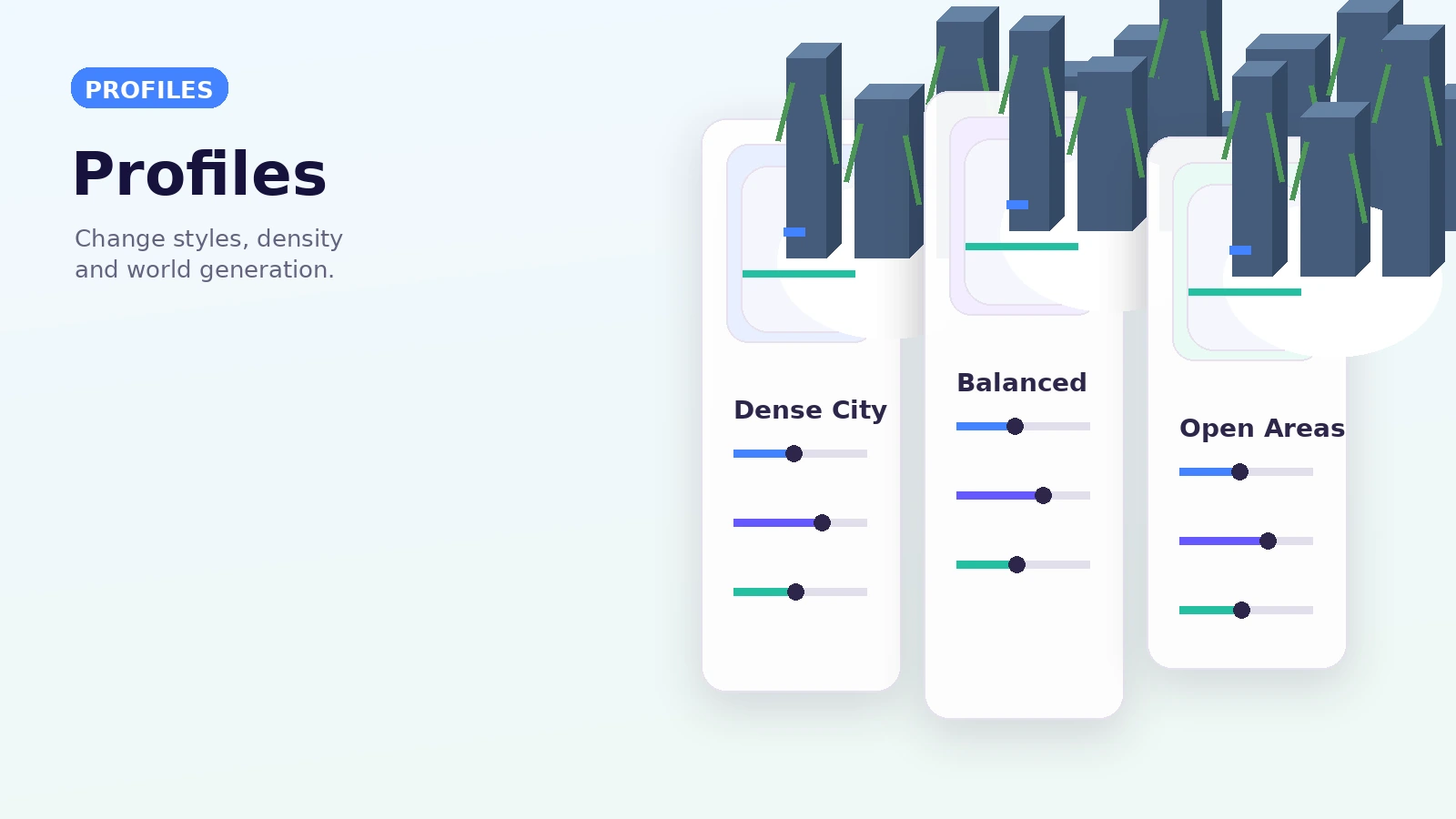
Understand how Lost Cities profiles, world styles and city styles shape generated worlds. This guide focuses on a repeatable setup process rather than assuming every launcher, modpack or server uses the same files.
What a profile does
Profiles hold broad generation settings that influence where and how Lost Cities content appears. Exact options vary by version, so use documentation for the branch you run.
World style and city style
Modern Lost Cities separates world-level selection from city-level presentation. This makes custom assets and style overrides more structured than treating every choice as one giant config.
Make changes before exploring
Profile changes are easiest to evaluate in a fresh test world. Once a world has generated large areas, new settings can produce a visible change at the boundary between old and new chunks.
Keep notes for repeatable worlds
For servers and modpacks, record the chosen profile and meaningful overrides. A short configuration record makes upgrades, bug reports and team handoffs much easier.