The Lost Cities Mod

Lost Cities Mod
Download & Setup Guide

Lost Cities Mod adds abandoned city generation, version checks, profiles and setup guidance for Minecraft.
◉ Open Source◇ Version Aware⬡ Configurable♧ World Generation
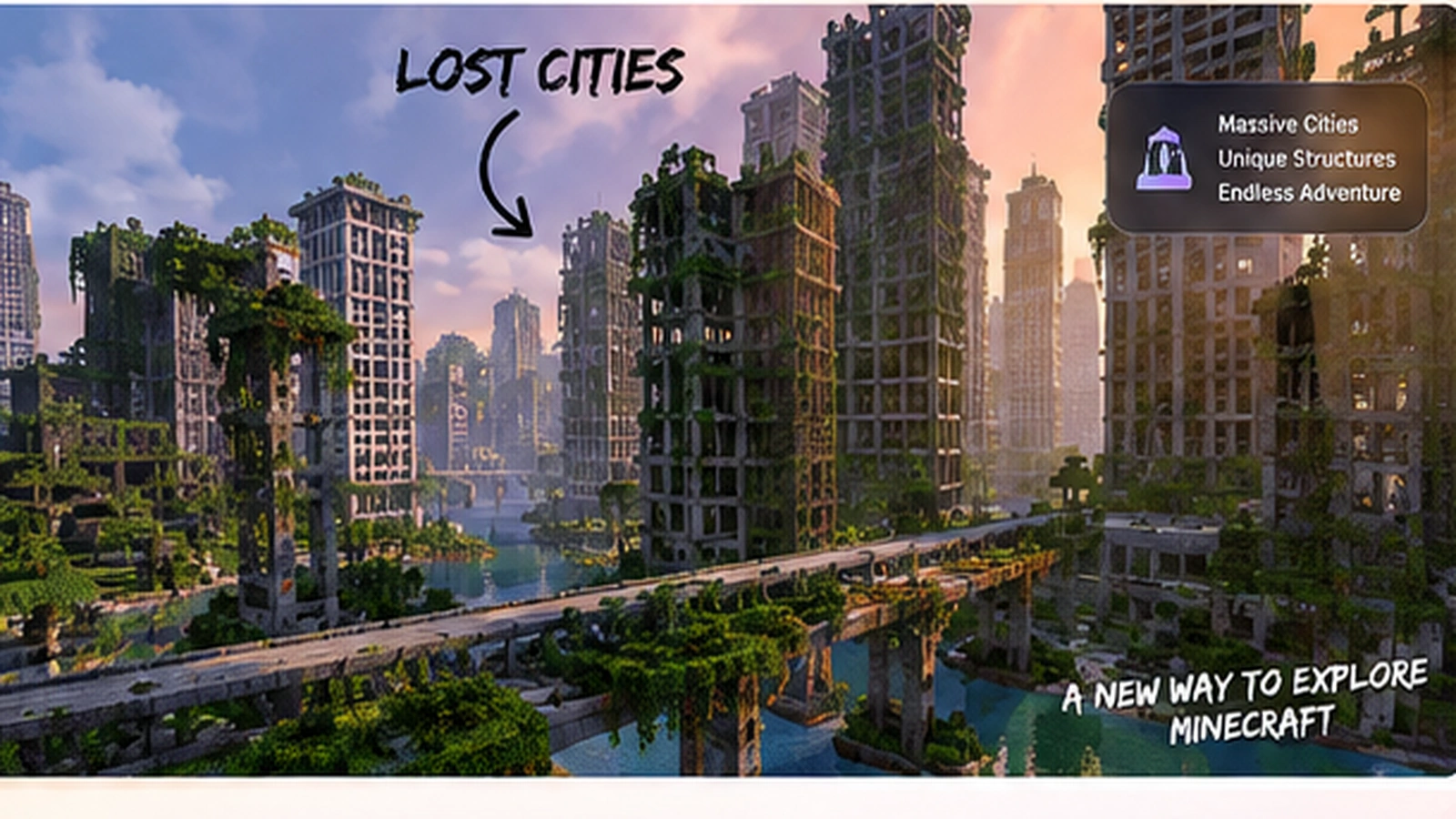
Overgrown abandoned Minecraft-style city generated for Lost Cities Mod
⇩
Worldgen ModCity-focused generation
★
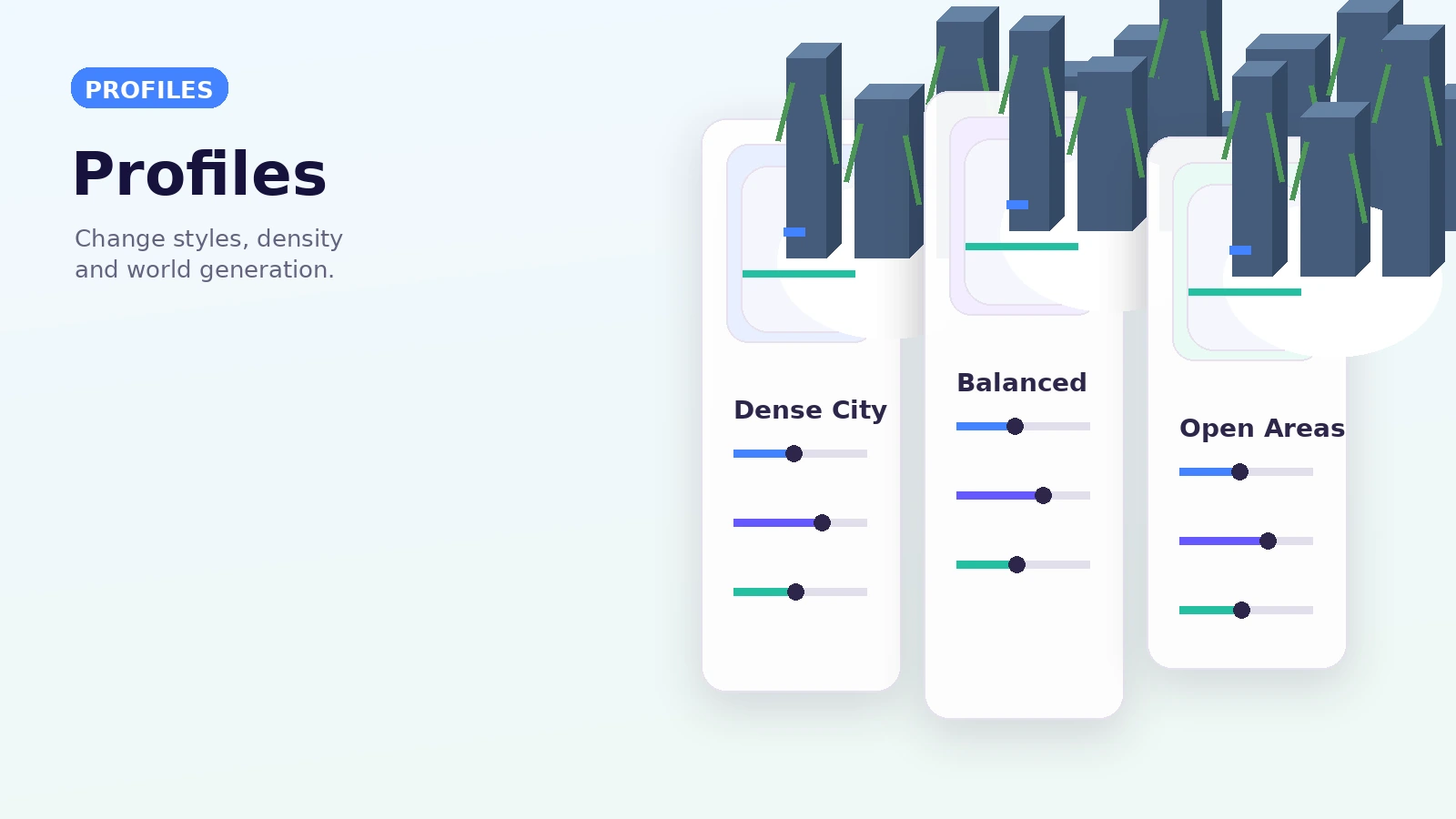
ProfilesConfigurable generation
⬡
1.20.1+Modern docs coverage
◉
Open SourceProject-based workflow
About The Mod

What is Lost Cities Mod?

The Lost Cities mod is a world-generation mod for Minecraft that creates large abandoned city environments with buildings, roads, highways and profile-driven configuration. It is designed for exploration, survival and custom modded worlds rather than one fixed adventure map.
▥
City GenerationLarge city districts and roadsgenerate across the world.
⚙
Custom ProfilesUse profiles and stylesto control generation.
◆
World ExplorationExplore dense urban worldswith varied city layouts.
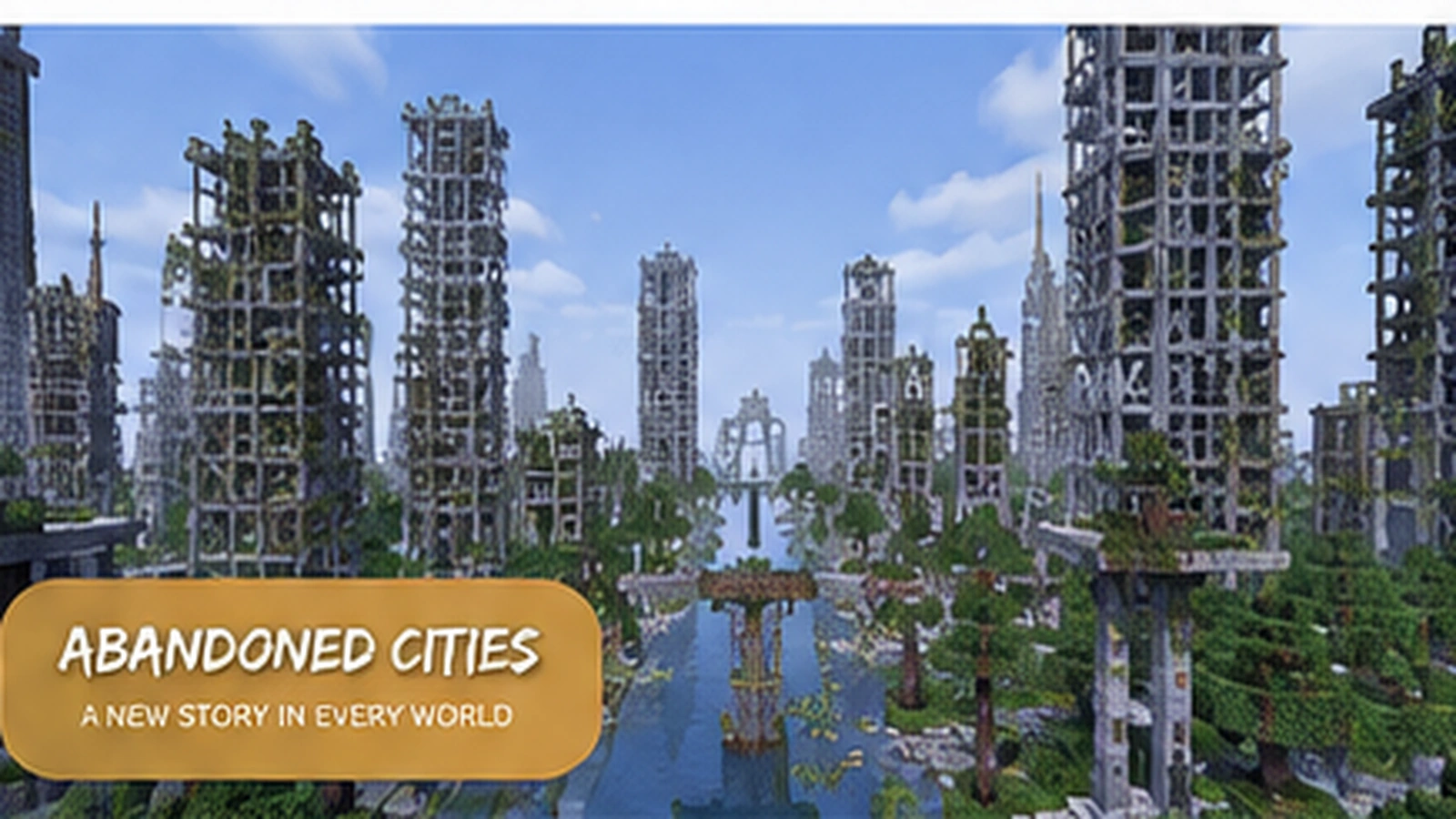
Abandoned city world generation scene for Lost Cities Mod
Features

Key Features

Core systems that make Lost Cities useful for custom Minecraft worlds and modded play.

▥

Massive Cities

Explore large, detailed city districts generated across new terrain.

♠

Custom Profiles

Change city density, landscape choices and world-generation behavior.

▣

Structured Content

Buildings, streets, highways and supporting worldgen systems work together.

⚙

Highly Configurable

Tune profiles and data-driven styles to match your preferred setup.

✚

Mod Compatibility

Plan version matching carefully when using Lost Cities with a larger modpack.

∞

Endless Exploration

Newly generated chunks can keep extending the city-focused world experience.

How It Works

Get Started in 3 Simple Steps

Use a clean, version-matched setup before generating a new Lost Cities world.

1⇩

Download

Use the download section and confirm the package matches the setup you intend to use.

2⚙

Install

Match Minecraft, Forge and the Lost Cities build, then test in a clean instance.

3▶

Play & Explore

Create a new world or use a backup, choose a profile and start exploring generated cities.

Compatibility

Modern 1.20.1+ setups

  • Official current documentation covers Minecraft 1.20.1 and newer.
  • The project is documented as a Forge mod for modern 1.20.1 development.
  • Match Java, Forge and mod versions required by the specific build.
  • Test third-party addons independently.

Legacy & alternate-loader caution

The Lost Cities mod 1.12.2 uses a much older branch and should not be mixed with modern 1.20 files. Queries for The Lost Cities Fabric should be treated as a separate compatibility check because the main modern project is Forge-based.

Download Now
Main Download

Download Lost Cities Mod

Use the supplied 1.20 branch archive link. This website does not install files automatically and does not require an account.
Package note: the supplied URL points to a GitHub branch ZIP archive. Review the archive contents and confirm you have the installable mod file format required by your launcher before placing files into Minecraft.
Original Lost Cities download archive illustration

Provided branch: 1.20

Before use: scan the archive, back up saves, and verify your exact Minecraft/Forge version.

Download Lost Cities Mod
Use Cases

Where Lost Cities fits

Survival city worlds

Explore dense urban generation while keeping normal survival systems around the generated environment.

Modpacks

Use city generation as a backdrop for tech, progression, exploration or post-apocalyptic modpack themes.

Server scenarios

Create shared worlds where everyone enters the same preconfigured generation setup.

Installation / Setup

A safer setup sequence

  1. Confirm the exact Minecraft version you plan to launch.
  2. Install the matching supported Forge environment for that mod build.
  3. Obtain the correct installable Lost Cities mod package from a trusted release source.
  4. Place the mod package in the instance's mods folder.
  5. Launch a test profile and create a new test world before using an important save.

About the provided ZIP

The button on this page follows the URL supplied for this website and downloads the 1.20 branch source ZIP. Source archives are not automatically equivalent to a launcher-ready mod JAR.

Download Now

Safety Notice

Back up worlds before changing generators, inspect archives before opening them, keep Minecraft and Forge versions aligned, and avoid copying unknown files into your instance. This independent guide does not run downloaded code or guarantee third-party addon compatibility.

Pros and Cons

Pros

  • Distinct city-based world generation
  • Configurable profiles and styles
  • Useful for survival, servers and modpacks
  • Data-driven customization in modern versions

Considerations

  • World-generation changes can create chunk borders.
  • Large modpacks can complicate compatibility.
  • Legacy and modern branches are not interchangeable.
  • Source archives and installable mod files are different package types.
Release Information

Version-aware guidance

1.20 branch

The supplied download URL points to the project branch named 1.20.

1.20.1+

Official current documentation is organized around Minecraft 1.20.1 and newer.

1.12.2 legacy

Use an older matching release path and configuration approach rather than modern branch files.
Troubleshooting

Fast checks for common problems

Game does not startCheck Minecraft, Java, Forge and mod build compatibility; then remove unrelated mods to isolate the first failing dependency.
No cities appearConfirm the selected profile/world configuration and generate new chunks instead of checking only terrain created before the change.
Server differs from clientAlign required mod versions and server-side generation settings before generating new areas.
Broken-looking chunk borderGeneration settings may have changed between old and new chunks. Restore a backup or keep the world on a stable configuration.
FAQ

20 Lost Cities Mod questions

Setup & Compatibility

Lost Cities is a Minecraft world-generation mod focused on creating city environments with configurable profiles, buildings, roads and related infrastructure.
It is a world-generation mod. It changes how supported Minecraft worlds or dimensions can generate rather than shipping one fixed prebuilt map.
Match the exact Minecraft and mod-loader version expected by the Lost Cities file you intend to use. Modern official documentation covers Minecraft 1.20.1 and newer, while older releases use older setup paths.
No. The provided button downloads a ZIP archive from the supplied project URL. Review the archive contents and package format before placing anything into a Minecraft mods folder.
The official modern documentation includes 1.20.1 and newer. Use a build made for your exact Minecraft and Forge environment.
Legacy 1.12.2 setups use older mod versions and configuration methods. Do not mix a modern 1.20 branch with an old 1.12.2 installation.
The main project is documented as a Forge mod for modern 1.20.1 setups. A Fabric-named file or third-party port should be verified separately before installation.
Server hosts control which mods and versions are available. If your host offers a compatible Lost Cities build, make sure the server and players use matching required versions and loader expectations.
Configuration location and options depend on the game/mod version. Keep server-side profile and world-generation choices consistent and back up configuration before major changes.
World-generation changes affect newly generated chunks and can create visible borders or mixed terrain. A new test world or a full backup is safer before changing generation behavior.

World Generation & Troubleshooting

Profiles control world-generation behavior such as city occurrence, landscape choices and other generation options. Modern versions also use world styles and city styles for data-driven selection.
Yes. Current documentation and changelogs describe city streets, buildings and highway systems as part of Lost Cities generation.
Addons can refer to companion mods, datapacks or custom assets that alter or extend Lost Cities content. Check version requirements before combining them.
Usually this phrase describes a customized modpack, datapack or profile intended to change the default city experience. Treat each third-party package as a separate compatibility choice.
Yes. Lost Cities exposes profile options and data-driven styles. Exact controls vary by version, so make changes in a test world before committing to a long-term save.
Generation settings apply to chunks as they are created. Old and new chunks can therefore differ, especially after profile or version changes.
Confirm Minecraft, Forge and mod versions first, then test with a clean profile and fewer addons. Review the latest log for the first relevant error rather than only the final crash line.
Reduce competing world-generation mods, avoid overly aggressive custom settings, allocate sensible memory and test profile changes before generating large areas.
Lost Cities changes the environment, but hostile mob encounters still depend on Minecraft mechanics, biome/deep-dark conditions and other installed content. Treat city exploration as normal survival gameplay.
Use trusted sources, verify the Minecraft/loader version, scan archives, back up worlds and avoid replacing files you do not understand. This site does not run or install downloaded files for you.